
IMOU Cameras
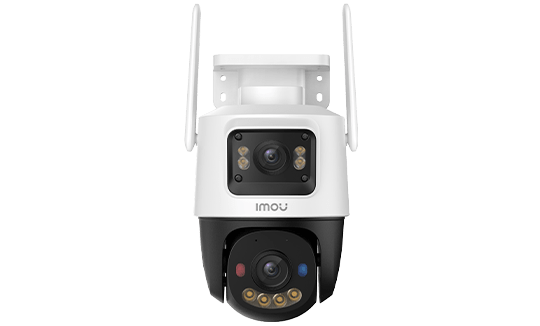
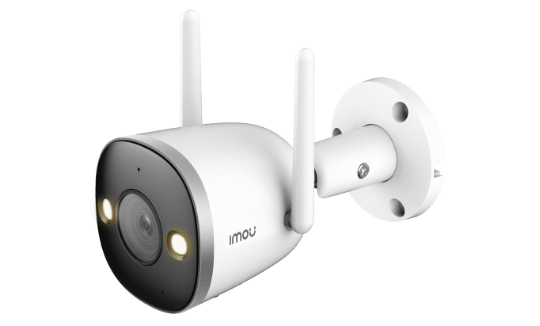
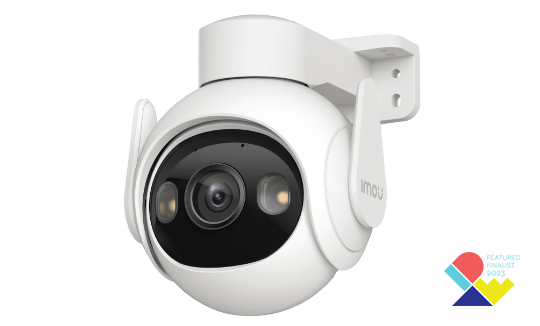
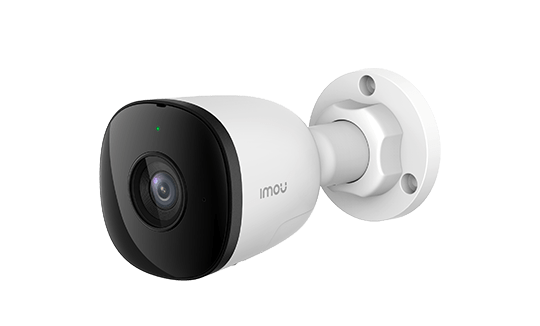
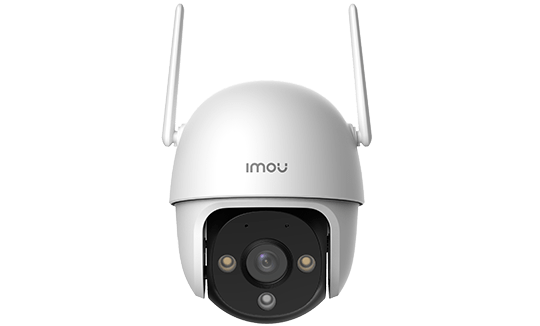
IMOU OUTDOOR CAMERA
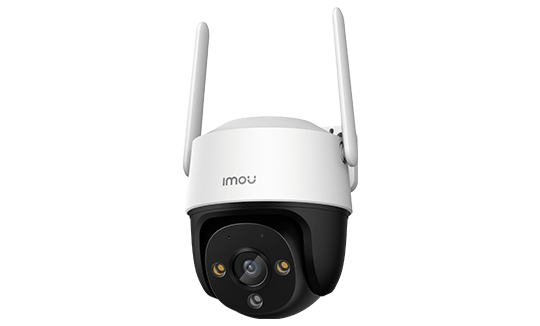
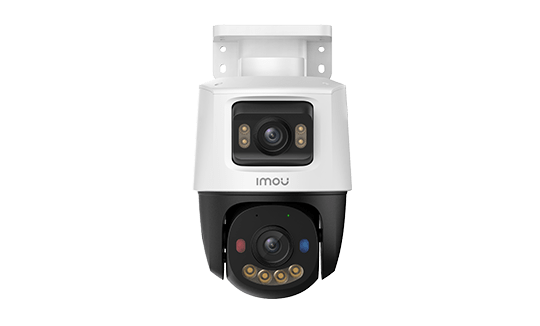
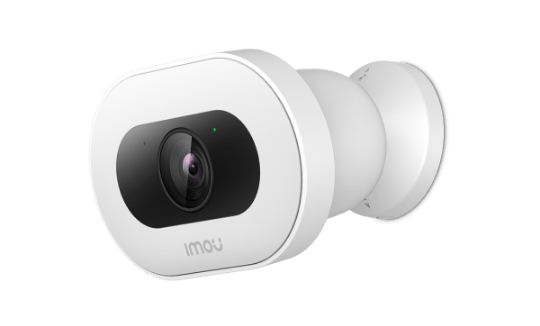
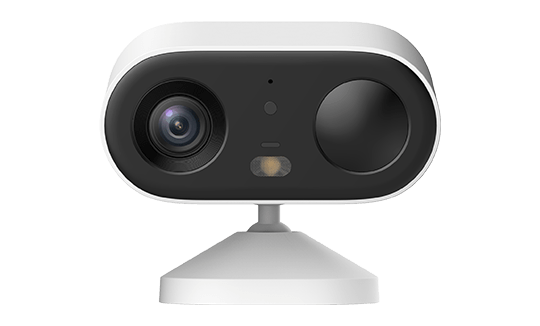
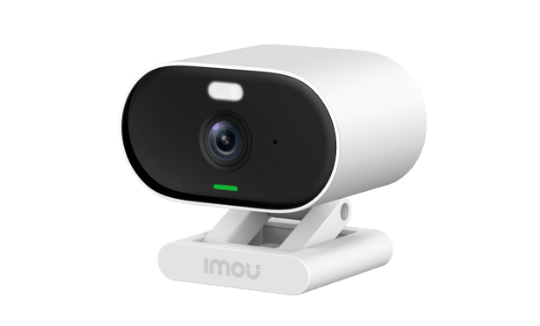
IMOU INDOOR CAMERA
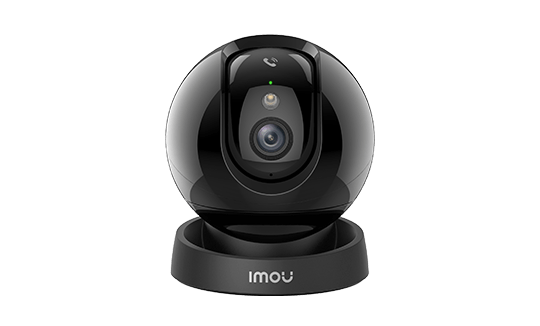
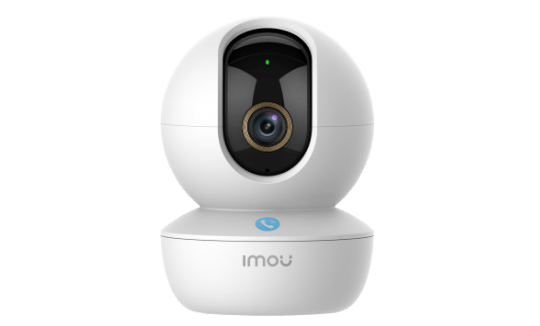
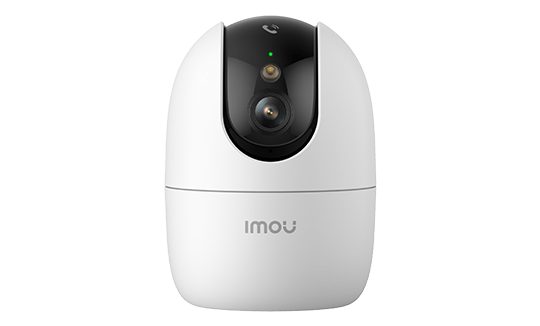
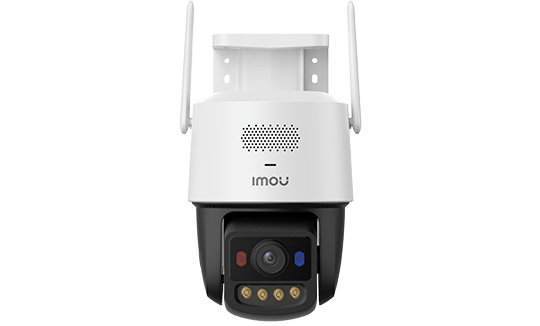
Imou NVR Systems and CCTV Kits: Everything You Need to Know
A dependable CCTV system comes down to three components working in harmony: the cameras, the recorder, and the storage. Imou NVR kits bring all three together in a coherent, pre-tested package that is ready to record the moment it is powered up. There is no cross-brand compatibility to worry about, no complex network configuration to wrestle with, and no cloud subscription required for the core functionality.
By Thomas Rivière, Product Analyst — Last updated: 29 September 2026
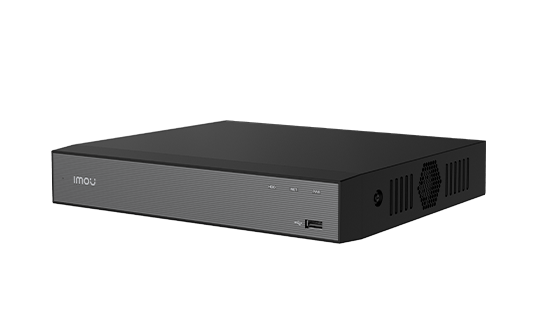
The Imou N110 and N118 NVRs integrate a PoE switch directly into the recorder chassis — cameras plug straight into the rear ports and draw both power and data from the same Cat 6 cable. All footage is stored locally on a hard drive, viewable on a monitor connected by HDMI or remotely through the Imou Life app.
These systems suit retail premises, warehouses, agricultural buildings, residential blocks, car parks, and large domestic properties where a wired infrastructure is in place or being installed.
NVR, DVR, or Cloud — Understanding the Difference
NVR (Network Video Recorder)
An NVR records footage from IP cameras that compress and transmit video data over a network connection — either Ethernet or Wi-Fi. The NVR receives the digital stream and writes it to an internal hard drive. Because the compression happens inside the camera itself, image quality is not degraded in transit. NVR is the current standard for new CCTV installations.
DVR (Digital Video Recorder)
A DVR is designed for analogue CCTV cameras that transmit a raw electrical signal via coaxial cable. The DVR converts that analogue signal to digital and records it. Maximum resolution is constrained by the analogue format (HDCVI, AHD, or TVI depending on the standard), and coaxial cabling is less flexible than Cat 6. DVRs are primarily used to upgrade existing analogue installations without the cost and disruption of pulling new cable runs.
Cloud-Only Recording
Cloud-only systems (Imou Cloud, Nest Cam, Arlo, Ring) send footage directly to the vendor’s servers. The appeal is simplicity and off-site storage — no local hardware to maintain, and footage is accessible from any browser or smartphone. The trade-offs are significant: recording stops if your broadband goes down, subscription costs run from roughly £3 to £10 per camera per month, and historical footage is limited to whatever your plan allows. Eight cameras on a £5/month-per-camera plan costs £480 per year. Over five years that is £2,400 spent on storage alone, with no hardware asset at the end of it.
Why Local NVR Makes Sense
- Continuous 24/7 recording with no dependence on internet connectivity
- No monthly subscription fees for core recording functionality
- Footage stays on your own network under your own control
- HDMI output for direct monitoring on a screen or dedicated CCTV monitor
- Unified management of all cameras from a single interface
- Expandable storage up to 8 TB or 16 TB depending on the model
Imou N110 NVR: 10-Channel System for Small and Medium Installations
The N110 is Imou’s entry-level professional NVR. Eight PoE 802.3af ports on the rear panel power and connect up to eight PS-series cameras directly. Two additional network channels expand total capacity to ten, accommodating Wi-Fi cameras or third-party ONVIF-compatible IP cameras on the local network.
The N110 accepts a single 3.5-inch desktop-form-factor hard drive up to 8 TB. Its 4K HDMI output allows real-time display on a 4K monitor with configurable multi-view layouts — 4, 8, or 9 simultaneous feeds depending on screen size and resolution preferences.
The web interface is browser-based and accessible from any device on the local network by entering the NVR’s IP address. No software installation is required. From the interface you can configure recording schedules, motion detection zones, email and push alerts, and storage management.
- Total channels: 10
- Integrated PoE ports: 8 (IEEE 802.3af, up to 15.4 W per port)
- Storage: 1 × HDD up to 8 TB
- Video output: HDMI 4K
- Supported compression: H.265, H.264
- Access: browser-based web UI plus Imou Life app
- Plug-and-play: automatic discovery of Imou PS cameras
Imou N118 NVR: 18-Channel System for Larger Sites
The N118 is built for installations requiring more than ten cameras. Sixteen PoE+ 802.3at ports handle higher-power cameras such as the PS50 and PS60C that draw up to 25 W. Two additional network channels bring total capacity to 18 streams.
The N118 accepts a single hard drive up to 16 TB — sufficient for current high-capacity surveillance-grade drives such as the WD Purple Pro 16 TB or the Seagate SkyHawk AI 16 TB. It also supports H.265+ compression, which analyses static background areas of the image and applies a reduced bitrate to them, extending recording duration by 20 to 30 percent compared with standard H.265.
The 4K HDMI output can display up to 16 simultaneous feeds on a large-format monitor. For dedicated CCTV control rooms, the N118 pairs well with a 55-inch commercial display for a comprehensive video wall.
- Total channels: 18
- Integrated PoE ports: 16 (IEEE 802.3at, up to 30 W per port)
- Storage: 1 × HDD up to 16 TB
- Video output: HDMI 4K
- Supported compression: H.265+, H.265, H.264
- Access: browser-based web UI plus Imou Life app
N110 vs N118 — Side-by-Side Comparison
| Specification | NVR N110 | NVR N118 |
|---|---|---|
| Maximum channels | 10 (8 PoE + 2 network) | 18 (16 PoE + 2 network) |
| PoE standard | IEEE 802.3af (15.4 W/port) | IEEE 802.3at (30 W/port) |
| Maximum HDD | 8 TB | 16 TB |
| Compression | H.265 / H.264 | H.265+ / H.265 / H.264 |
| HDMI output | 4K | 4K |
| Browser UI | Yes | Yes |
| Imou Life app | Yes | Yes |
| Typical use | Home, retail, SME (up to 8 cameras) | Warehouse, residential block, multi-building site |
| Approximate price | £110–£160 | £190–£260 |
Pre-Configured Kits
N110 + 4 PS Cameras (10-Channel, 4K)
This standard kit pairs the N110 NVR with four PS3E cameras (8 MP, 4K). It covers a domestic property or small retail unit with four key surveillance points: main entrance, car park or driveway, rear access, and a secondary interior zone. The hard drive — typically 1 TB or 2 TB — may or may not be included depending on the reseller; confirm this before ordering.
Storage consumption for four PS3E cameras recording continuously in H.265 is approximately 500–600 GB per week. A 2 TB drive provides around three weeks of continuous footage. A 4 TB drive extends that to six weeks.
N118 + 8 PS Cameras (18-Channel, 4K)
This kit targets medium-scale commercial installations: warehouses, larger retail premises, or residential blocks with car parks. Eight PS cameras — typically PS3E or PS60C — cover primary zones. Where a 4 TB drive is included, expect three to four weeks of continuous 4K footage for eight cameras under H.265. The remaining ten channels on the N118 accept additional cameras as the site grows, without needing to replace the recorder.
Calculating Storage Requirements
Storage capacity depends on three factors: camera resolution, compression codec, and the number of days of footage you need to retain.
Storage Formula
Storage (GB) = (bitrate in Mbit/s × 3,600 seconds × 24 hours × days × number of cameras) ÷ 8,000,000
Example: 8 PS3E cameras (4K, H.265 bitrate approximately 3 Mbit/s), continuous recording for 30 days:
(3 × 3,600 × 24 × 30 × 8) ÷ 8,000,000 = 7,776 GB ≈ 7.6 TB
An 8 TB drive in the N110 covers roughly 30 days of continuous 4K footage from eight cameras.
Storage Reference Table
| Resolution | Estimated H.265 Bitrate | Storage per Camera per Week | Storage per Camera per 30 Days |
|---|---|---|---|
| 4 MP (PS1C) | ~1.5 Mbit/s | ~115 GB | ~490 GB |
| 5 MP (PS50) | ~2 Mbit/s | ~155 GB | ~650 GB |
| 6 MP (PS60C) | ~2.5 Mbit/s | ~190 GB | ~810 GB |
| 8 MP / 4K (PS3E) | ~3 Mbit/s | ~230 GB | ~970 GB |
| 10 MP dual (PS70F) | ~4 Mbit/s | ~305 GB | ~1,300 GB |
Reducing Storage Consumption
Event-triggered recording: instead of recording continuously, the NVR only writes to disk when motion or an AI alert is detected. In a warehouse empty overnight or a retail unit closed over the weekend, this can reduce storage usage by 60 to 80 percent, significantly extending the effective retention period.
Hybrid recording: continuous low-quality recording on the sub-stream (720p) combined with high-quality event-triggered recording on the main stream. This approach guarantees full timeline coverage while keeping storage demands manageable.
H.265+ on the N118: the enhanced compression mode on the N118 identifies static background regions in each frame and applies a minimal bitrate to them. In a quiet warehouse, effective bitrate can drop to 0.5–1 Mbit/s even for 4K cameras, with storage savings of up to 50 percent compared to standard H.265.
Step-by-Step installation guide
Step 1: Plan Your Cable Runs
Mark camera positions on a floor plan or site map. Work out the most direct cable path from each camera back to the NVR or an intermediate PoE switch. Keep each run within 100 metres on Cat 5e or Cat 6 cable. Use conduit or trunking for outdoor runs and any section exposed to physical damage.
Step 2: Fit the Hard Drive
Imou NVRs are supplied without a hard drive unless the kit explicitly states otherwise. Open the chassis, seat the 3.5-inch drive on the mounting bracket, and connect the SATA data and power cables. Use a surveillance-rated drive: WD Purple, WD Purple Pro, or Seagate SkyHawk. These are engineered for continuous write cycles and handle the heat and vibration of 24/7 operation without the sector errors that desktop drives develop under sustained recording loads.
Step 3: Connect the Cameras
Run Cat 5e or Cat 6 from each camera to a PoE port on the NVR rear panel. The NVR detects Imou PS cameras automatically — they appear in the configuration interface within seconds to a few minutes depending on how many are connected simultaneously.
Step 4: Initialise the Hard Drive
On first boot, the NVR will prompt you to format the newly installed drive. Accept this step: formatting creates the recording partitions and enables automatic overwrite management, where the oldest footage is overwritten once the drive reaches capacity. Without this initialisation, the NVR cannot record.
Step 5: Configure Recording Schedules
Through the web interface or the HDMI-connected monitor, set recording schedules for each camera channel. Options include continuous, motion-triggered, alarm-triggered, or a combination. Define motion detection zones per camera to minimise false alerts caused by trees, passing vehicles on public roads, or changing light conditions.
Step 6: Set Up Remote Access via Imou Life
Download the Imou Life app on your smartphone. Add the NVR by scanning the QR code displayed in the interface, or by entering the serial number manually. The NVR connects to Imou’s relay servers through your broadband router without requiring port forwarding. Remote access to live feeds and recorded footage is typically operational within a few minutes of completing this step.
Real-World Use Cases
Retail and High Street Premises
A typical retail unit — whether an independent shop, pharmacy, or jeweller — has a back office with broadband and a mains supply. The N110 with four to eight cameras covers the till area, entrance, stockroom, and front window display. An HDMI monitor tucked behind the counter lets staff monitor the shop floor without leaving their position, while the Imou Life app gives the owner visibility outside trading hours.
Warehouses and Distribution Centres
Warehouses demand broad coverage: racking aisles, loading bays, the site manager’s office, and perimeter access points. The N118 with 12 to 16 PS cameras — a mix of PS60C for high-ceiling coverage and PS70F dual-lens for aisle intersections — handles the scale. H.265+ compression maximises storage efficiency during the long inactive periods between shift changes.
Farms and Agricultural Sites
Farm buildings are often spread across a large site. Cat 6 can be buried in HDPE conduit at 600 mm depth between buildings. A centralised N110 in the main farmhouse pulls feeds from six to eight cameras covering livestock sheds, equipment stores, and gate access points.
Residential Blocks and Housing Associations
A residential development with car parks, a communal entrance, and shared amenities may need between six and sixteen cameras depending on the number of buildings. The N118 provides the channel capacity. Footage is retained locally in line with ICO guidance for residential CCTV, and access permissions within Imou Life can be structured so that the property manager and residents’ committee have differentiated levels of access.
How Imou NVR Systems Compare with Alternatives
Cloud-Only Systems
Nest Cam, Arlo, and Ring all record to the vendor’s cloud servers. Setup is quick and footage is accessible anywhere, but costs accumulate rapidly. Eight cameras at £5/month each means £480 per year with no reduction in cost over time. Broadband dependency means any outage creates a recording gap. Imou’s NVR eliminates both concerns.
Wi-Fi Cameras with Individual SD Cards
Systems where each camera stores footage on its own SD card avoid the NVR cost, but introduce their own problems: storage capacity is limited to 64–256 GB per camera, there is no unified event timeline, and searching for a specific incident across multiple cameras becomes laborious. If a camera is stolen, the footage goes with it. A centralised NVR with a hard drive located in a secure back office solves all three issues.
Hikvision Professional NVRs
Hikvision NVRs are the industry benchmark for professional integrators and deliver superior image quality on their proprietary camera range. However, entry prices for a credible Hikvision NVR start above £250, the cameras themselves are more expensive, and the iVMS-4200 software has a steep learning curve. For self-installed systems in the £300–£600 total budget range, Imou delivers a significantly better out-of-the-box experience.
Key Takeaways
- The N110 NVR (10 channels, 8 PoE) suits small to medium installations up to 8 cameras with a local HDD up to 8 TB.
- The N118 NVR (18 channels, 16 PoE+) targets large professional deployments with HDD up to 16 TB and H.265+ compression for extended recording history.
- No cloud subscription is required: all recording is local on a hard drive, accessible via HDMI or the Imou app remotely.
- Imou plug-and-play automatically detects PS cameras plugged into PoE ports — no manual network configuration needed.
- A 4 TB HDD stores approximately 6 weeks of footage from 4 x 4K cameras in continuous H.265 recording.
Frequently Asked Questions
Is the Imou NVR compatible with third-party cameras?
Yes, via the ONVIF protocol. The N110 and N118 NVRs accept any ONVIF-compatible IP camera on their additional network channels (the 2 extra channels beyond the built-in PoE ports). However, advanced features like AI detection, smart alerts and auto-configuration are only available with Imou PS series cameras.
Do I need to buy a hard drive separately?
It depends on the kit. Some bundles include an HDD; others do not — check the product description before purchasing. The NVR alone (without HDD) works but doesn’t record locally. Imou recommends WD Purple or Seagate SkyHawk surveillance-grade drives, which are more reliable than desktop HDDs for 24/7 operation.
Can I access the NVR remotely?
Yes, two ways: via the Imou Life app (secure cloud access, no port forwarding required) or via the local web interface by configuring a VPN or port forwarding on your router. The Imou app is the recommended method — the connection is encrypted and requires no advanced network configuration.
How long can 8 x 4K cameras record on 4 TB?
For 8 PS3E cameras (4K, H.265 bitrate ≈ 3 Mbit/s each) in continuous recording: (3 × 8 × 3600 × 24 × days) ÷ 8,000,000 = approximately 10 days on 4 TB. Enabling H.265+ mode (N118) and event-only recording (motion-triggered) can extend this to 20–25 days depending on activity.